
Reports
Analyze opens, clicks, bounces, and delivery for each campaign.
Who this is for: Users measuring campaign performance.
Open a report
-
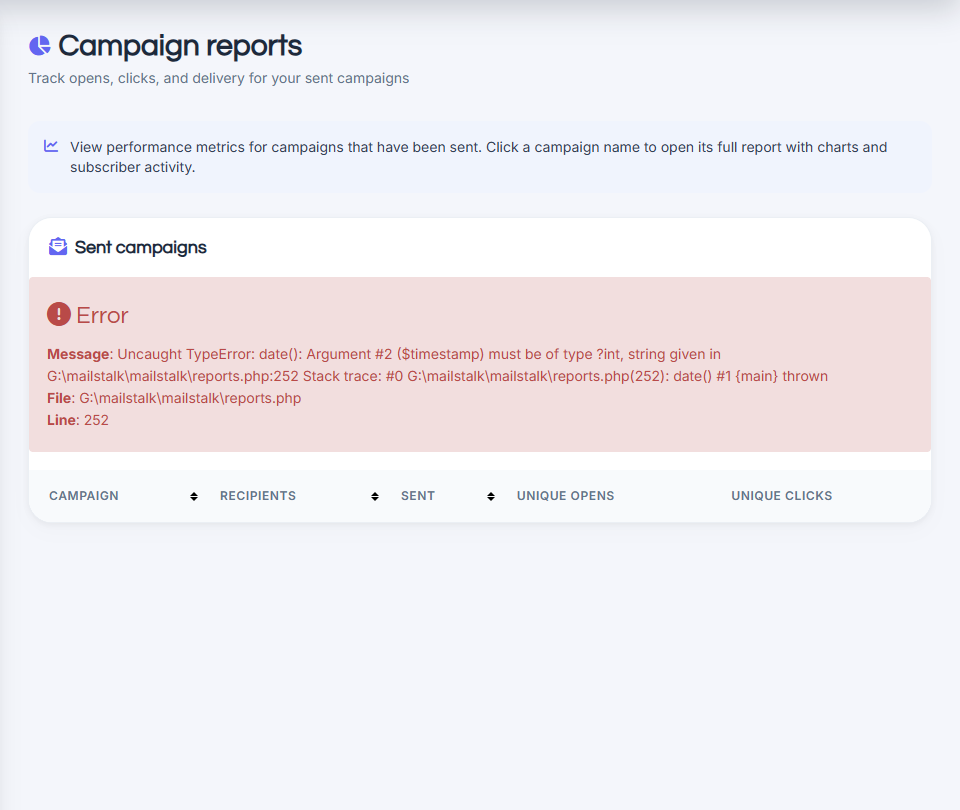
Go to See reports or click a sent campaign.
-
View opens, clicks, unsubscribes, and bounces.
-
Export data if your plan allows.
Read the metrics
Open rate shows how many recipients opened. Click rate shows link engagement. Check bounces for bad addresses to remove.
Common questions
Open rate seems low.
Some clients block tracking pixels. Focus on clicks and conversions too.